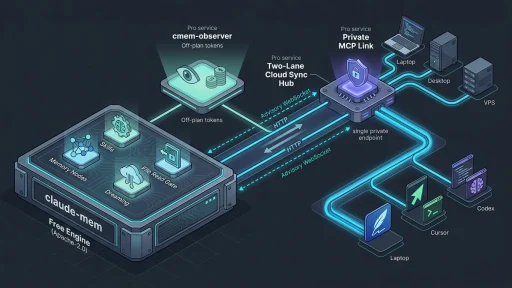

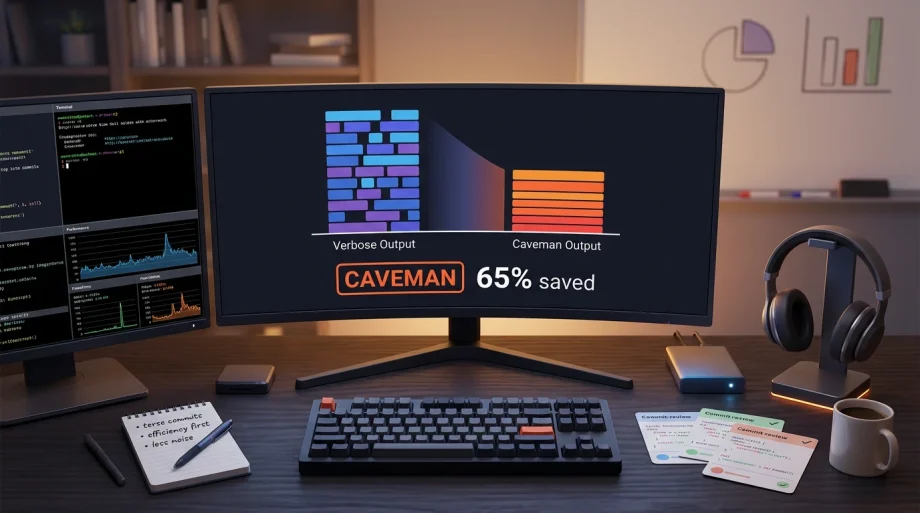


No we’re not talking about the Flintstones! We’re talking about AI coding and trying to conserve token usage. I was watching token counts climb during long refactor sessions the same way you watch a noisy monitoring dashboard eat bandwidth. Every extra sentence the agent added was another line item on the bill. Then I installed the caveman Claude Code skill. Average 65% drop in output tokens across real tasks, every technical detail still correct. It just works (I’ve even used in combination with claude-mem).
The Real Cost of Verbose Agent Output
When you run Claude Code or similar agents for actual infra work — debugging race conditions, reviewing security PRs, refactoring connection pools, or comparing microservices versus monolith architectures — the back-and-forth adds up fast. One verbose explanation of a PostgreSQL race condition can burn over a thousand tokens. Multiply that across a day of agent-assisted coding and you feel it in both time and cost.
The problem is not the model’s capability. It is the prompting habit of asking for full paragraphs when fragments would do. That habit turns every coding loop into a longer, more expensive conversation. The caveman claude code skill attacks exactly that habit without touching correctness.
What the caveman claude code skill Actually Does
The skill drops a simple instruction into the agent environment: drop filler, keep substance, use fragments. Trigger it with /caveman or just say “talk like caveman.” Turn it off with “normal mode.” It auto-activates in Claude Code, Codex, and Gemini through hook files. Other agents pick it up with a one-time --with-init rule file.
Four compression levels stay available in the same session: lite for light cleanup, full as the default caveman style, ultra for telegraphic output, and wenyan if you want classical Chinese brevity. Levels persist until you change them. One command and the cost curve bends permanently.
Specialized commands come with it. /caveman-commit produces conventional commit messages under 50 characters. /caveman-review gives one-line PR comments like “L42: bug: user null. Add guard.” /caveman-stats shows session and lifetime savings with a shareable output for tweets or reports. The statusline badge in Claude Code updates live with numbers like [CAVEMAN] 12.4k tokens saved.
Before and After – Same Fix, Far Fewer Words
Real examples from the repo show the difference clearly.
Normal response (69 tokens): “The reason your React component is re-rendering is likely because you’re creating a new object reference on each render cycle…”
Caveman response (19 tokens): “New object ref each render. Inline object prop = new ref = re-render. Wrap in useMemo.”
Another case: a verbose auth middleware diagnosis becomes “Bug in auth middleware. Token expiry check use < not <=. Fix:”
The technical content stays identical. Only the noise disappears.
The Numbers That Matter
The repo ran ten common tasks through Claude API. Here are the measured results.
| Task | Normal Tokens | Caveman Tokens | Saved |
|---|---|---|---|
| Explain React re-render bug | 1180 | 159 | 87% |
| Fix auth middleware token expiry | 704 | 121 | 83% |
| Set up PostgreSQL connection pool | 2347 | 380 | 84% |
| Explain git rebase vs merge | 702 | 292 | 58% |
| Refactor callback to async/await | 387 | 301 | 22% |
| Architecture: microservices vs monolith | 446 | 310 | 30% |
| Review PR for security issues | 678 | 398 | 41% |
| Docker multi-stage build | 1042 | 290 | 72% |
| Debug PostgreSQL race condition | 1200 | 232 | 81% |
| Implement React error boundary | 3454 | 456 | 87% |
| Average | 1214 | 294 | 65% |
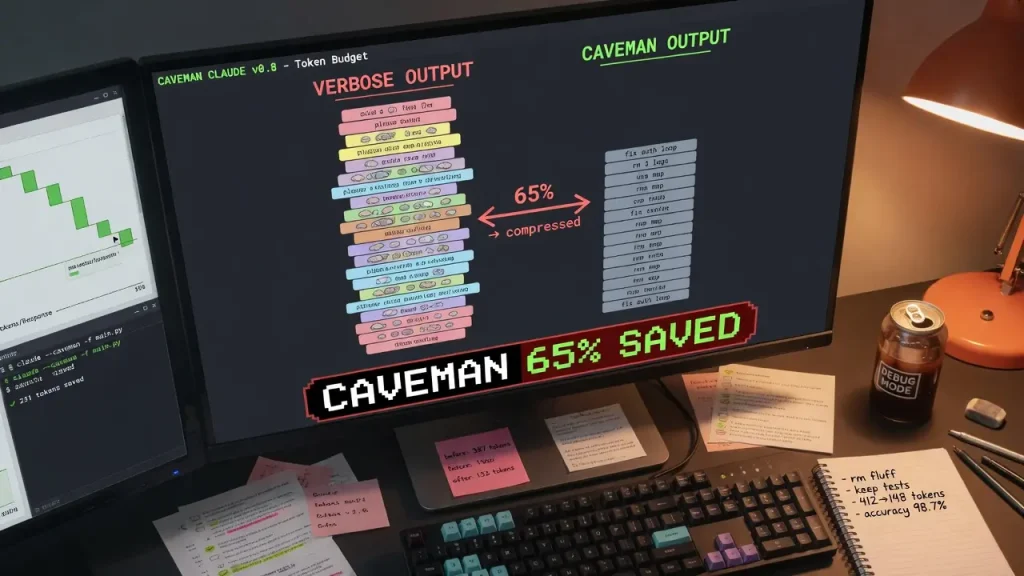
Output savings average 65% with a range of 22–87%. Technical accuracy stayed at 100% across every test.
Input side improves too. The caveman-compress tool rewrites memory files such as CLAUDE.md, project notes, and todo lists. Average reduction across five sample files was 46%.
| File | Original | Compressed | Saved |
|---|---|---|---|
| claude-md-preferences.md | 706 | 285 | 59.6% |
| project-notes.md | 1145 | 535 | 53.3% |
| claude-md-project.md | 1122 | 636 | 43.3% |
| todo-list.md | 627 | 388 | 38.1% |
| mixed-with-code.md | 888 | 560 | 36.9% |
| Average | 898 | 481 | 46% |
Speed increase lands around 3× in practice. The statusline tracks lifetime USD savings so you see the real impact on your workflow.
How It Works Under the Hood
Install drops a skill file into the agent environment. A per-session flag or hook tells the agent to enter caveman mode from the first message. Session logs feed the stats command. The compress tool rewrites input context before it grows. Benchmarks and evals harness live in the repo so you can verify the numbers yourself. Everything stays MIT licensed and requires only Node 18+.
The Full Caveman Ecosystem
This is not a single trick. The same 19-year-old developer built a five-repo ecosystem totaling over 64k stars focused on one thesis: AI agents need better tooling, not just bigger models.
caveman-code (npm install -g @juliusbrussee/caveman-code) is the full terminal coding agent. It adds plan mode, autopilot goal loops, and support for 20+ providers. On identical tasks it uses roughly 2× fewer tokens than standard Codex.
cavekit brings specification-driven development loops so the agent works from clear specs instead of guessing. caveman-shrink acts as MCP middleware to compress tool descriptions before they hit context. cavecrew-* sub-agents (investigator, builder, reviewer) each deliver about 60% fewer tokens than their normal counterparts.
The author also ships Revu, a local-first macOS study app using FSRS spaced repetition, and works as founding engineer at Stacklink on enterprise RAG. The whole line of tools respects developer time and reduces AI waste at every layer.
What the Research Says About Brevity
A March 11, 2026 arXiv paper titled “Brevity Constraints Reverse Performance Hierarchies in Language Models” gives the academic backing. Researchers found that spontaneous scale-dependent verbosity caused large models (10-100× more parameters) to underperform smaller ones by 28.4 percentage points on 7.7% of benchmarks across five datasets.
When they applied brevity constraints, large-model accuracy improved by 26 percentage points. Performance gaps shrank by up to two-thirds. On mathematical reasoning and scientific knowledge tasks, large models actually pulled ahead by 7.7 to 15.9 points. The paper shows the extra words were masking capability, not revealing it. Prompt design, not model size, was the limiter.
That matches what operators see in practice. Verbose agent output feels helpful until the quota hits or the context window fills. The caveman claude code skill turns that research into daily tooling.
Real-World Reception and Scale
Launched with the first commit on April 4, 2026, the project hit rapid organic growth. Michael Lee, Chief Revenue Officer at Valcom AI, noted in a LinkedIn post that it reached #1 on Hacker News and nearly 5k stars in the first weekend. By early June it sat at roughly 69.6k GitHub stars, 3.9k forks, 203k+ installs on the Claude Code Skills Marketplace, and 38 contributors. Last commit landed May 20 with v1.8.2 released May 12. Active maintenance continues with documentation, installer fixes, and ecosystem expansion.
Topics in the repo include ai, skill, meme, tokens, caveman, claude, llm, prompt-engineering, anthropic, and claude-code. Primary language is JavaScript at 62.9%. The project stays MIT licensed and openly documented.
Potential Trade-offs and How to Handle Them
Extremely terse output can feel harder to scan when you review long agent traces or logs compared with verbose prose. Some users may want fuller explanations while learning a new pattern or debugging an unfamiliar stack. Accuracy stays 100%, but human readability of the raw transcript can drop.
The project already answers this with four tunable modes and full stats transparency. You can stay in lite or full mode for most work and flip to normal when you need more prose. Conventional commit and review commands keep the terse style useful for PRs. No widespread complaints appear in primary sources. Most operators treat it as another tool in the belt rather than an all-or-nothing switch.
Getting Started – Install and Daily Use
Installation takes about thirty seconds.
# macOS / Linux / WSL
curl -fsSL https://raw.githubusercontent.com/JuliusBrussee/caveman/main/install.sh | bash

# Windows PowerShell 5.1+
irm https://raw.githubusercontent.com/JuliusBrussee/caveman/main/install.ps1 | iex
Full guides live in INSTALL.md and CLAUDE.md inside the repo. After install, open your agent and say “talk like caveman” or type /caveman. The skill activates immediately in supported platforms. Run /caveman-stats to see the counter move. Use caveman-compress on any heavy memory file before a big session.
Quick Tips from the Trenches
- Start in full mode. Move to ultra only after you trust the output style on your typical tasks.
- Keep normal mode one command away for sessions where you want fuller explanations while learning.
- Run
/caveman-commitand/caveman-reviewon every PR. The short format keeps commit history clean. - Compress memory files weekly with
caveman-compress. The 46% average saving compounds fast when context grows. - Watch the statusline badge for a week. You will see exactly which parts of your workflow benefit most.
- Pair the skill with caveman-code when you want a full terminal autopilot agent instead of just compressed replies.
- Use cavecrew sub-agents for complex investigations. Each one already runs at roughly 60% lower token cost.
- Share
/caveman-stats --shareoutput with your team. Hard numbers make the case for wider adoption.
Drop the skill in, watch the counter, and keep shipping. The research, the benchmarks, and the ecosystem all point the same direction: less noise, same signal, lower cost, faster loops. That is the kind of tooling that actually respects an operator’s time.