
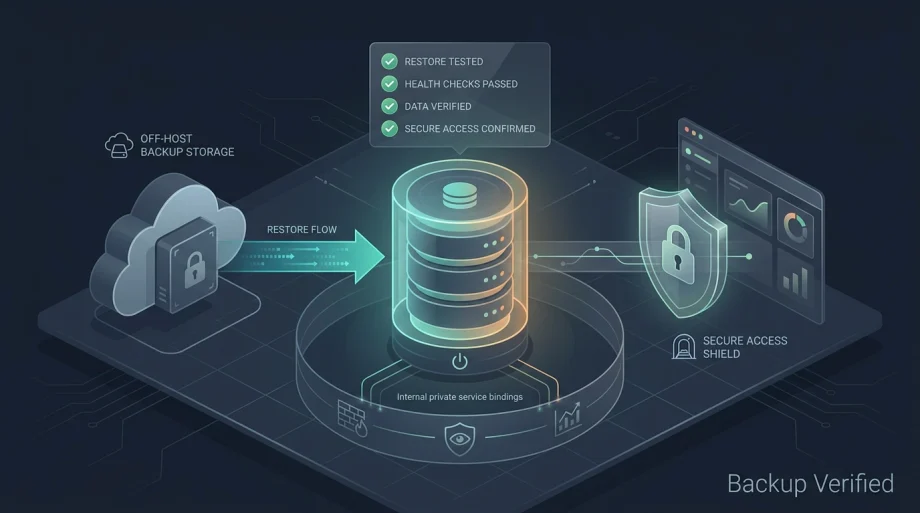
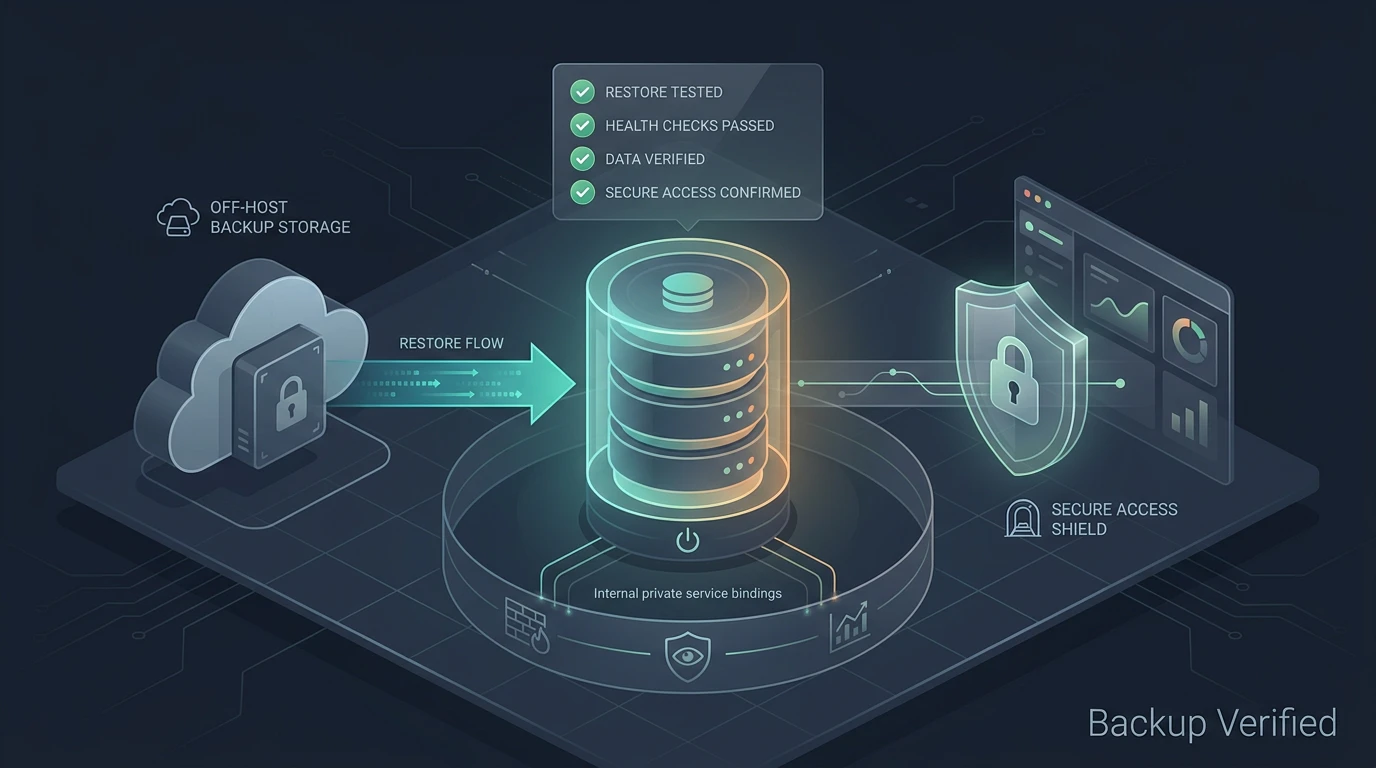

In the first post I focused on keeping the public attack surface small with Cloudflare Tunnels, UFW, CrowdSec, FortiMonitor, and private service bindings on a single-node Dokploy Cloud deployment. This post is the necessary follow-up. Reducing exposure is one half of production readiness. Proving you can recover when something fails is the other half.
Cloudflare Tunnel and Zero Trust keep random traffic away. UFW and FortiMonitor keep the host observable. Dokploy Cloud keeps the control plane out of your blast radius. None of that proves the workload can come back. Restore testing does.
Why Restore Testing Matters
Backups can exist and still fail silently. A Postgres dump may restore but the Supabase services may not start cleanly. Environment variables and secrets often live outside the database dump. Docker volume names, service-role keys, and internal URLs can break the chain even when the data is intact.
Supabase has multiple moving parts: Postgres data and schema, auth configuration, storage buckets and metadata, JWT and service-role secrets, anon key, Studio, and the API services that depend on them. A single-node setup is acceptable only when the rebuild path is known and tested. A file sitting in Backblaze B2 is one ingredient. It is not a recovery plan.
What Actually Needs to Be Recoverable
| Layer | What must be recoverable |
|---|---|
| Host | Ubuntu baseline, SSH access, UFW rules, CrowdSec configuration, FortiMonitor agent, cloudflared tunnel config |
| Dokploy | Project definitions, compose files, environment variables, Traefik routing, service placement |
| Supabase | Postgres data and schema, auth schema and users, storage buckets and metadata, service configuration |
| App layer | Container images or git repo, internal service URLs, any application-specific configuration |
| Cloudflare | Tunnel configuration, DNS hostnames, Access policies and group membership |
| Secrets | Database passwords, JWT secret, anon key, service-role key, any API tokens used by the stack |
| Backups | Backup location and credentials, retention policy, encryption if used, restore procedure, verification steps |
Losing any one of these layers can prevent a clean recovery even if the database dump itself is perfect.
A Realistic Restore Drill
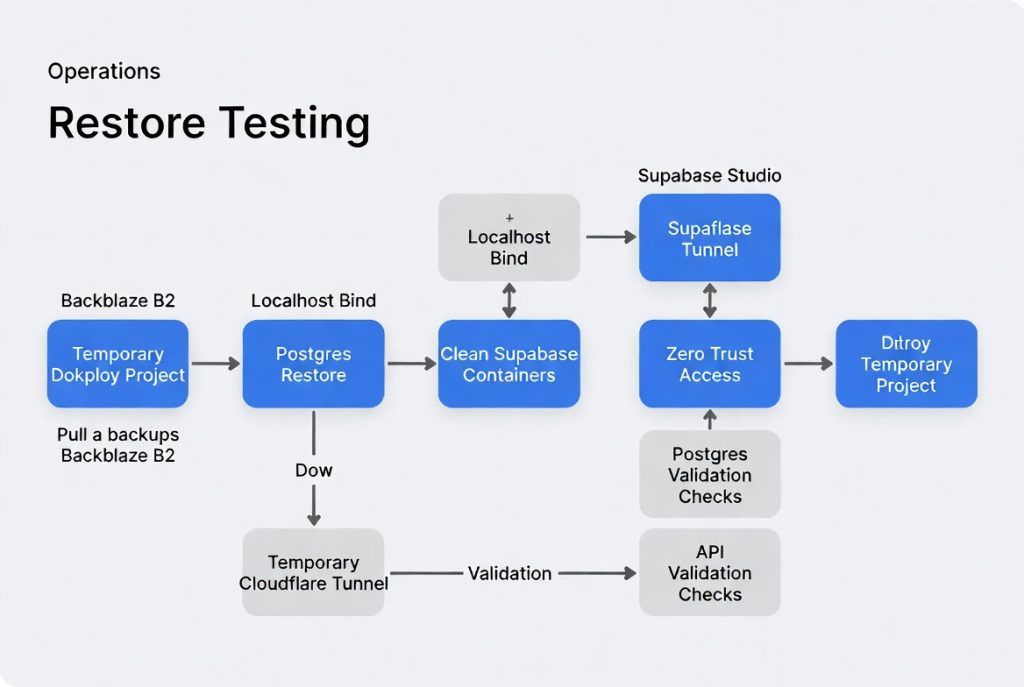
I ran the drill on a throwaway project in Dokploy Cloud. The goal was to prove the path works without touching production.
- Created a temporary project named restore-test-supabase in the Dokploy dashboard.
- Pulled the latest backup object from the Backblaze B2 bucket using the CLI.
- Deployed a fresh Supabase stack from the template in the new project.
- Restored the Postgres dump into the clean database instance.
- Recreated the required environment variables from a secure store.
- Confirmed Supabase Studio was bound only to 127.0.0.1 in the compose definition.
- Created a temporary Cloudflare Tunnel hostname pointing at the restored Studio.
- Applied a restrictive Zero Trust Access policy limited to my account.
- Logged in through Access and validated database tables, auth schema, storage buckets, and that application connections worked.
- Confirmed production services and data were untouched throughout.
- Destroyed the temporary project and revoked the temporary tunnel and Access policy.
The first run took longer than expected mainly because I had to locate exact secrets and confirm service names. Subsequent runs were faster once the checklist existed.
What I Was Really Testing
- Could I retrieve the backup from off-host storage without production credentials?
- Could the database restore cleanly into a fresh container?
- Could Supabase services start and pass basic health checks after restore?
- Could the application layer connect to the restored services using the correct credentials?
- Could I reach Studio securely through Cloudflare Access without any public exposure?
- Could I perform every step from documented notes rather than memory?
- Could I destroy the test environment cleanly and leave production exactly as it was?
The Easy Things to Forget
- Environment variables set in the Dokploy UI that do not appear in the compose file.
- The JWT secret and service-role key that Supabase uses for internal authentication and admin operations.
- The anon key that client applications or edge functions may expect.
- Exact Docker volume names if your restore relies on named volumes rather than bind mounts.
- Storage bucket permissions, CORS settings, and file metadata in Supabase storage.
- Application callback URLs or redirect URIs that point to the old production hostname.
- Cloudflare Access policy membership that only includes specific emails or identity providers.
- The localhost-only binding for Studio so it never listens on 0.0.0.0.
- How long your actual backup retention window keeps usable dumps available.
- DNS names or hostnames hardcoded in any configuration or client code.
- Whether the backup captured only the Postgres dump or also the object storage files and metadata.
Backup Maturity Ladder
| Level | Practice |
|---|---|
| 0 | No backups configured |
| 1 | Backups running on schedule |
| 2 | Backups stored off-host in B2 or equivalent |
| 3 | At least one full restore tested manually |
| 4 | Restore steps documented in a repeatable checklist |
| 5 | Scheduled restore rehearsals on a calendar |
| 6 | Automated validation that restore succeeds and services pass checks |
For a lean single-node deployment the realistic target is Level 3 minimum. Level 4 is where the process becomes repeatable without heroics. Level 5 makes sense once the workload supports real users or revenue.
What I Would Improve Next
Document the full restore checklist inside the project repository so it survives team changes or late-night incidents. Keep a sanitized version that contains no live secrets. Run a full restore test every quarter into a throwaway project. Add FortiMonitor or Dokploy alerts for backup job success and backup age so stale backups are visible before they become a problem. Explore whether parts of the validation can be scripted. If the stack grows, separate the stateful Supabase layer from stateless services and evaluate managed Postgres or Docker Swarm for clearer placement and failover options.
The current setup is credible because the restore path has been walked. It is not perfect. The value comes from knowing exactly what has been proven and what still needs work.
Closing
Cloudflare Tunnel keeps random traffic away. UFW and FortiMonitor keep the host quiet and observable. Dokploy Cloud keeps the control plane out of the blast radius. But restore testing is what turns the setup from clever infrastructure into something I can actually rely on when it matters.